Guide
WeLoop chat and groups: messages, chat themes and communities
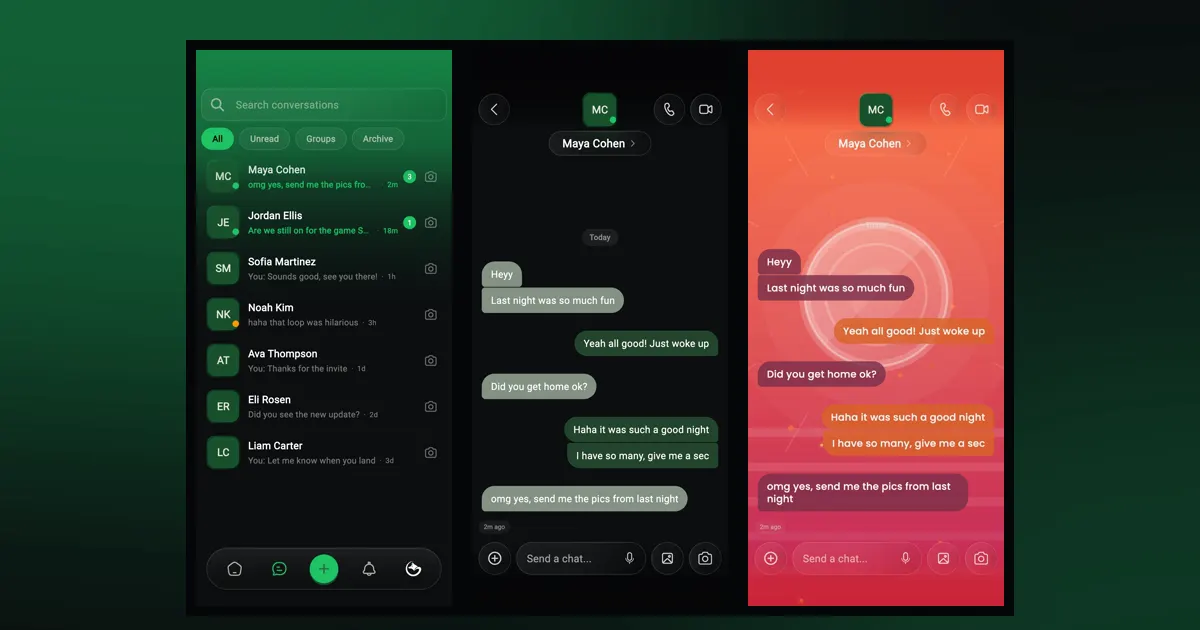
How WeLoop chat works: pinning and archiving, replies, reactions and voice notes, chat themes both people see, and public or private groups.
 weloop
Get the app
How-to
WeLoop groups are communities with their own posts, a shared group chat and rules. You find them under Discover, join with one tap (or ask to join, for groups that approve members), and you can start your own in about a minute.
Here's how to find a group, join one, and run your own.
Open your profile, tap the menu and choose "Groups". You'll find it in Settings too, under Interactions. The Groups screen has three tabs:
You can also search for a group by name: Search has a Groups tab alongside Posts and People.
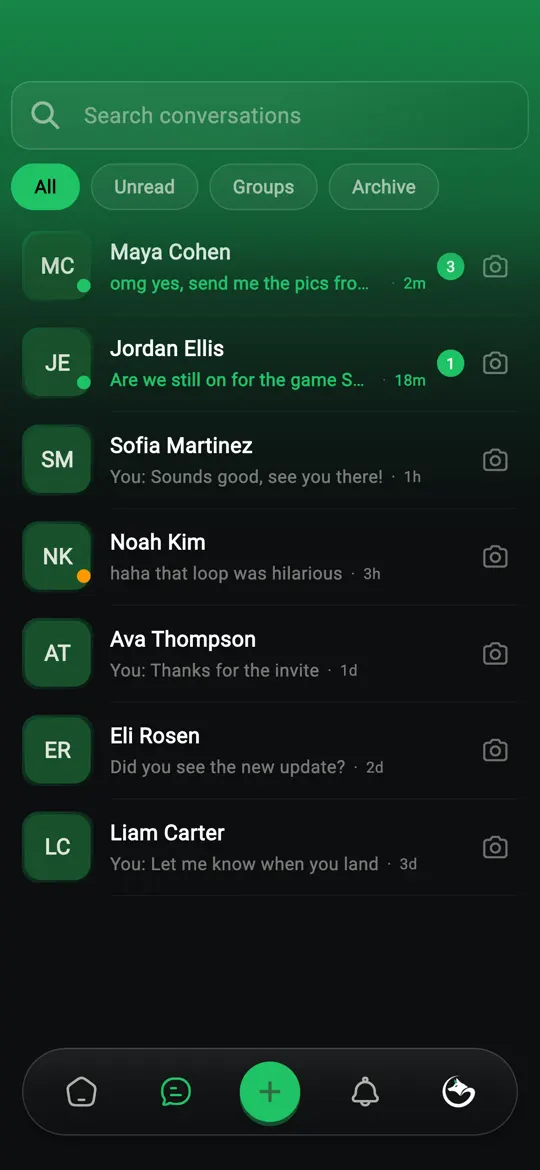
Group chats live in your chat inbox. Tap the "Groups" filter at the top to see only those.
Open the group and tap "Join".
A private group shows "This group is private" and "Join this group to view or participate in discussions" until you're a member. A public group's About page says "Anyone can find this group"; a private one says "This group is hidden/private".
Next you'll see "Invite members to the group", with your friends and the people you follow. Pick who to add and tap "DONE", or "SKIP" to do it later.
| Public Group | Private Group | |
|---|---|---|
| Who can find it | "Anyone can find this group" | "This group is hidden/private" |
| Who can see members and posts | Anyone | Only group members |
| Good for | A hobby, a town, a fan club | A family, a team, a class |
Approval is a separate choice. "Manually approve users" works with either and means you decide on every request.
As the creator, tap the menu in your group. You'll see:
Members who aren't the creator can open About and Invite from the same menu, and "Leave" to quit the group.
Open the group and tap "POST". The camera opens; make your post the way you would for your feed, and it goes to that group.
Tap "Chat" in the group to open its conversation. It works like any WeLoop chat, with replies, reactions, voice notes and photos. If it gets busy, open the chat details and turn on "Mute notifications". The chat stays, it just stops buzzing your phone. Our chat and groups guide covers chat features in full.
Yes. When you share a post, or choose where a new post goes, there's a "Share in Groups" row. Tap the groups you want, then tap the button at the bottom to send it.
Yes. When you share a story, "Share to Story" offers four places: "To Public", "My Story", "My groups" and "Nearby". Pick "My groups" to share it with your groups.
For blocking, muting and the rest of WeLoop's safety tools, see our safety and privacy guide.
Open Groups from your profile menu and look under Discover. You can also search for groups by name in Search.
The group checks requests by hand. You'll be let in once an admin accepts your request.
Yes. When you create a group, choose Private Group under Group Visibility. Only members can see who's in it and what they post.
Guide
How WeLoop chat works: pinning and archiving, replies, reactions and voice notes, chat themes both people see, and public or private groups.
Safety
How to block and report on WeLoop, mute chats, run private groups, manage location, sign-ins and notifications, and delete your account.
How-to
Post a WeLoop story to the public, your friends, your groups or Nearby, see who viewed it, and search posts, people and groups. Here's how.
Free on iPhone and Android. Set it up your way in a minute.