How-to
How to make, post and watch Loops on WeLoop
Record up to 2 minutes or pick from your library, edit with filters, FX and the Expert editor, then post. Plus how to swipe, speed up and rewatch Loops.
 weloop
Get the app
How-to
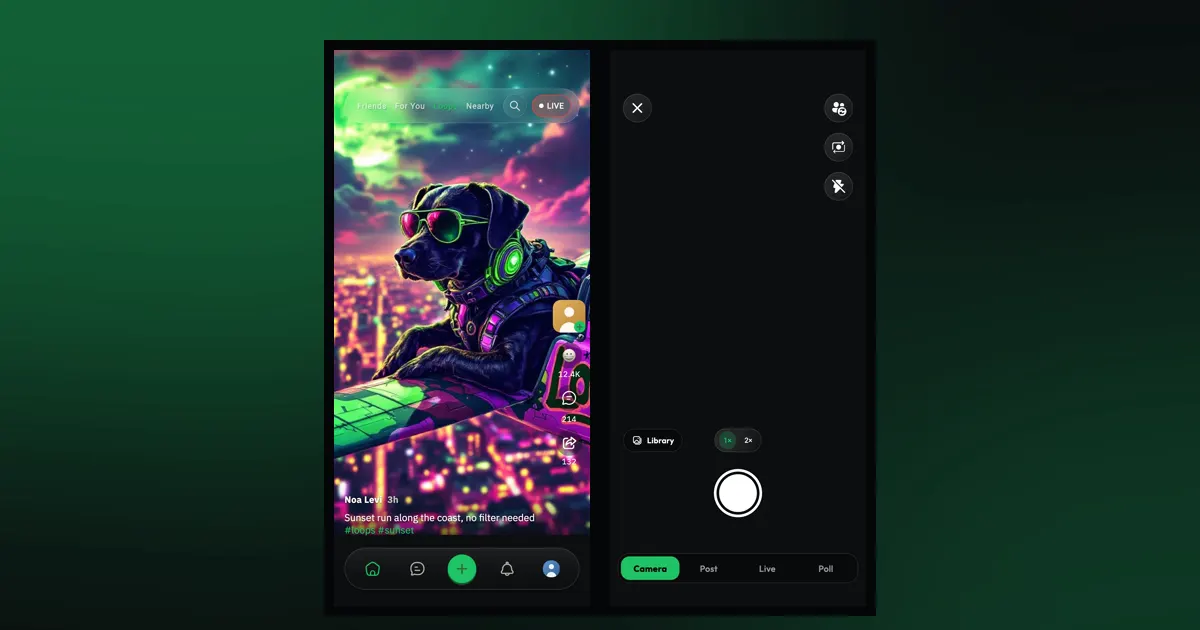
WeLoop has a built-in editor for photos and videos, so you can crop, filter, trim, add effects and text before you post. The camera also has AR face masks you can wear while you record, go live or take a call.
Everything starts from the + button in the bottom bar. Here's what each tool does and how to use it.
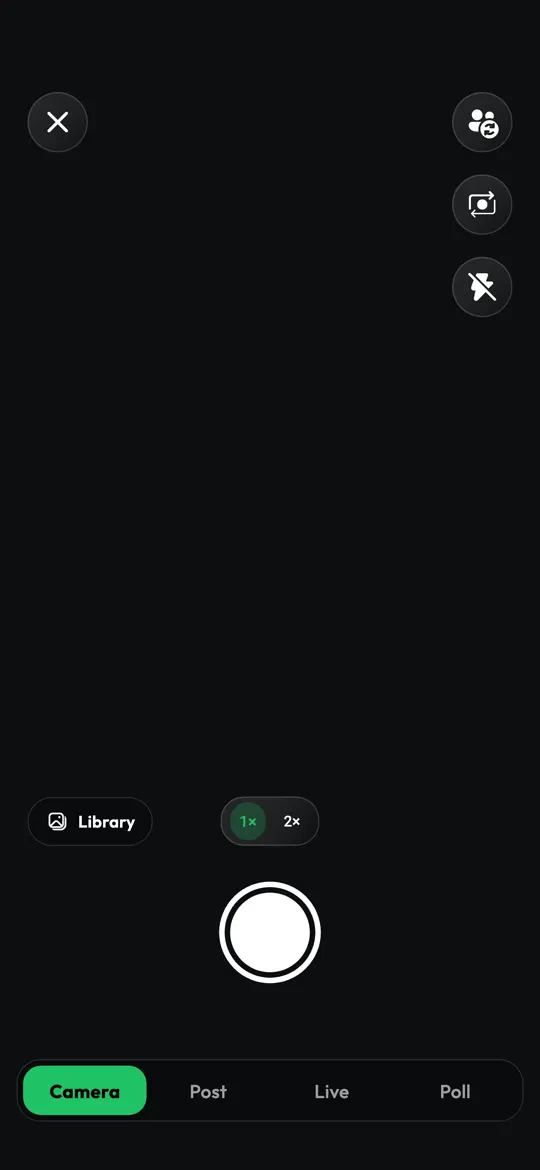
Tap + and you're in the camera. Along the bottom are four modes: "Camera", "Post", "Live" and "Poll". (Stories have just Camera and Post.)
Videos from your library need to be under 2 minutes, and recording stops at 2 minutes.
The photo tools are Crop, Filter, Text, Grid and Expert.
The video tools are Trim, FX, Text, Grid and Expert.
Expert is a timeline editor for when you want more control. With nothing selected, the bar along the bottom offers:
Tap a clip on the timeline to edit it:
Tap an audio track to change its Volume.
When you're done, tap "Save and go back". If you want to start over, "Discard all changes" clears every timeline edit.
Yes. The Expert timeline saves a draft on your phone as you work. If you leave and come back, tap "Restore" to pick up where you were.
Face masks are AR effects that follow your face in the camera.
Face masks work on phones that support them, on both iPhone and Android.
Yes. When you're hosting a live, tap "Effects" to open the same masks. In a voice or video call, there's an effects button too. Calls are still in beta.
On lives, some gifts are AR gifts: when a viewer sends one, the host wears its face mask for a short time. Read more about gifts in our live gifting guide.
Text posts are made in "Post" mode.
Short text, up to 100 characters, posts as a large styled card. Past 100 characters, it becomes a regular caption and the style toolbar hides.
Yes. Type a few words first, then tap one of three helpers:
The result replaces your text in the box, and you can keep editing it before you post.
When you're ready, you choose where it goes: "Post now" to your feed, "Share to Story" (To Public, My Story, My groups or Nearby), or to friends and groups. Our Loops guide covers posting and watching short videos.
Yes. After you record or pick a video, the editor gives you Trim, FX, Text, Grid and Expert. Expert opens a full timeline with split, speed, music and more.
In the camera, tap the sparkle button on the side to open Face Masks, then pick one. It works on phones that support it, and also in lives and calls.
Videos you pick from your library need to be under 2 minutes, and recording in the camera stops at 2 minutes.
How-to
Record up to 2 minutes or pick from your library, edit with filters, FX and the Expert editor, then post. Plus how to swipe, speed up and rewatch Loops.
How-to
Start a live from the + button, bring on guests, set a likes goal and receive gifts. Creators keep up to 95% of what they're gifted.
How-to
Call anyone you chat with on WeLoop, one-on-one or as a group, by voice or video. Calls are in beta. Here's how to start, switch and rejoin them.
Free on iPhone and Android. Set it up your way in a minute.