How-to
How to make, post and watch Loops on WeLoop
Record up to 2 minutes or pick from your library, edit with filters, FX and the Expert editor, then post. Plus how to swipe, speed up and rewatch Loops.
 weloop
Get the app
Guide
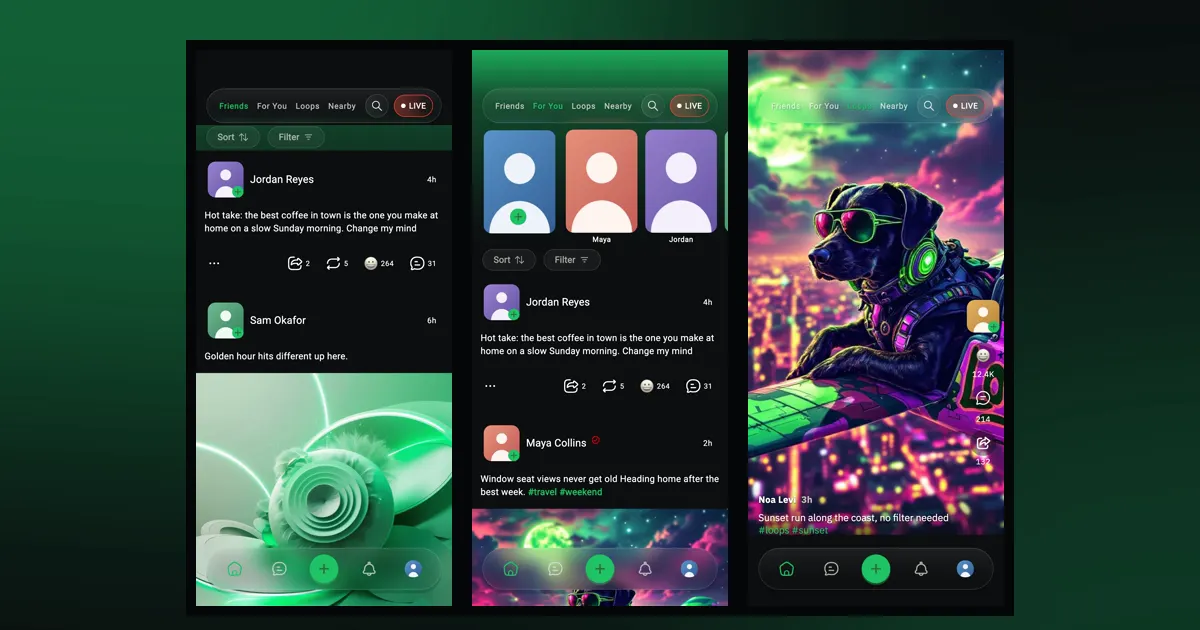
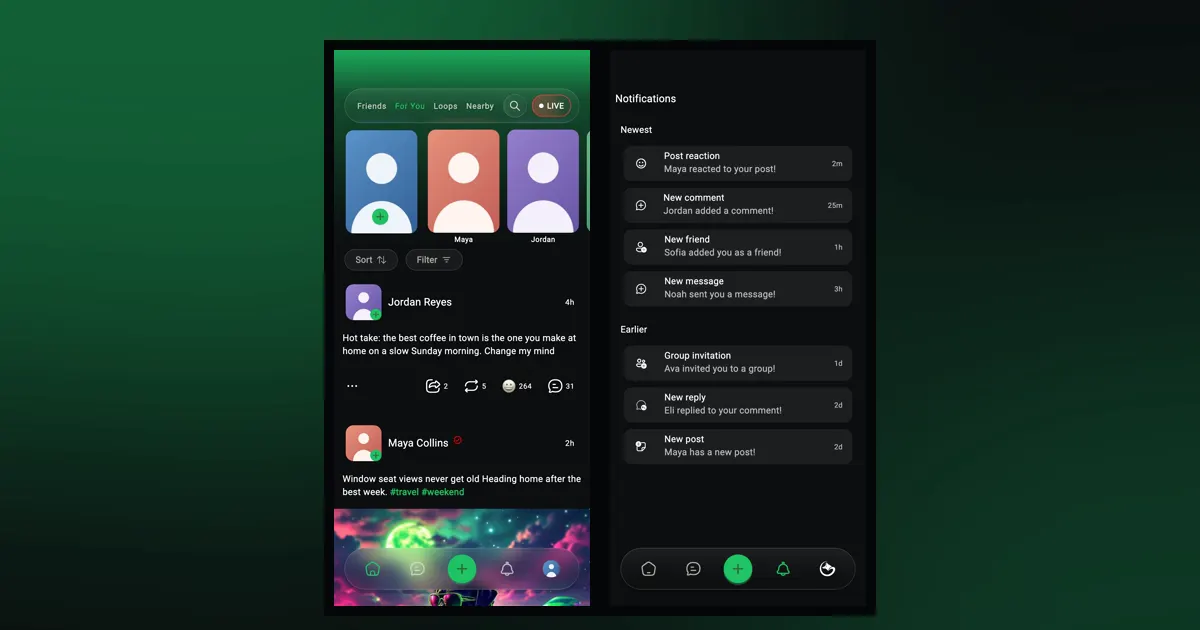
WeLoop's home screen has four feeds, each on its own tab: Friends for people you're mutual with, For You for discovering new posts, Loops for full-screen video, and Nearby for posts from around you. Tap a tab at the top, or swipe sideways, to switch between them.
Each tab keeps its own sort and filter settings, so you can set them up once and leave them.
| Feed | What it shows | Good for |
|---|---|---|
| Friends | Posts from people you follow who follow you back | Keeping up with people you know |
| For You | Posts from across WeLoop, without repeats | Finding new people and posts |
| Loops | Full-screen vertical videos | Watching, one video at a time |
| Nearby | Posts from people around you | What's happening locally |
On WeLoop, a friend is someone you follow who also follows you back. The Friends feed shows their posts and nothing else, so it stays quiet and personal.
When you and someone become friends, WeLoop starts a chat between you with a prompt to send a wave, so saying hello takes one tap. If the tab is empty, you'll see "No friends yet?" with a nudge to follow people.
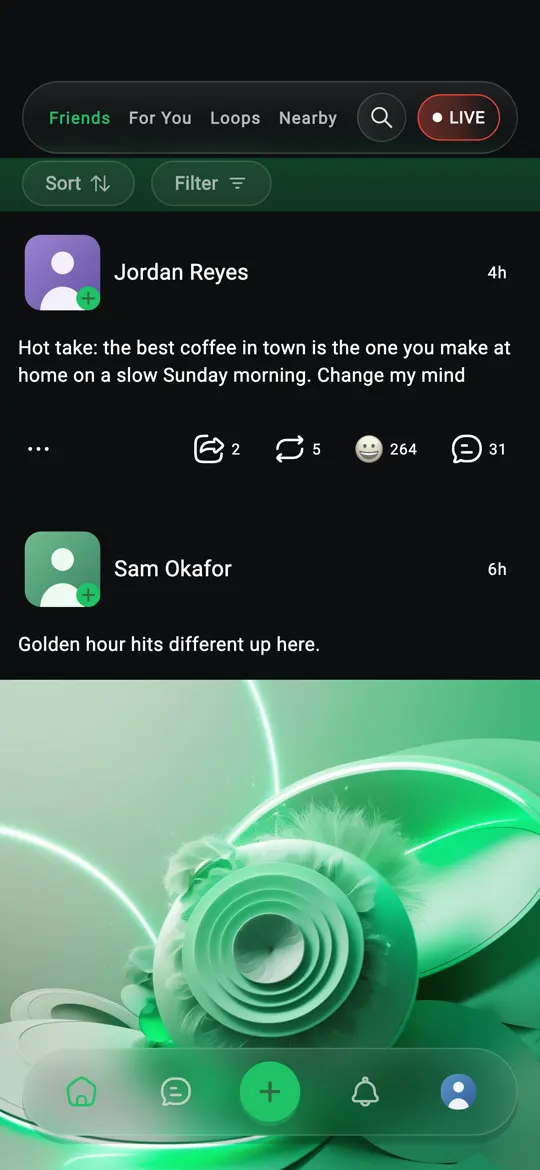
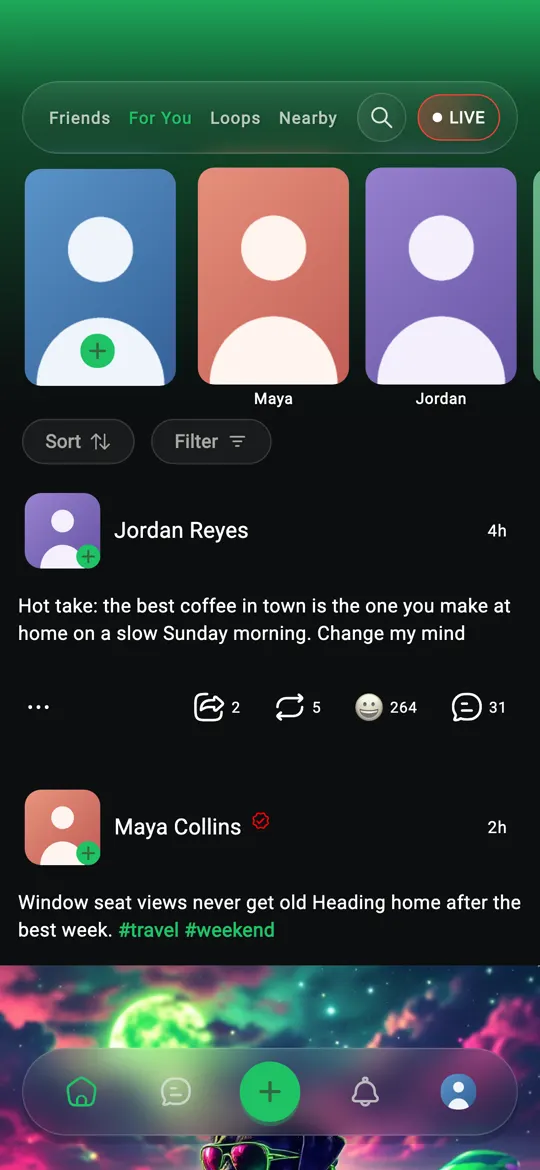
For You is the tab WeLoop opens on. It shows posts from across the app, including people you don't follow yet.
It keeps track of the posts you've already seen so it doesn't show them to you again. Scroll down and you get new posts, not the same ones in a different order.
Open "Settings", and under Content & Display tap "Related content preferences". It says: "Here you can choose the type of content you mostly want to see on your for you feed." Pick the content types you like and tap "Save changes"; For You refreshes with your picks.
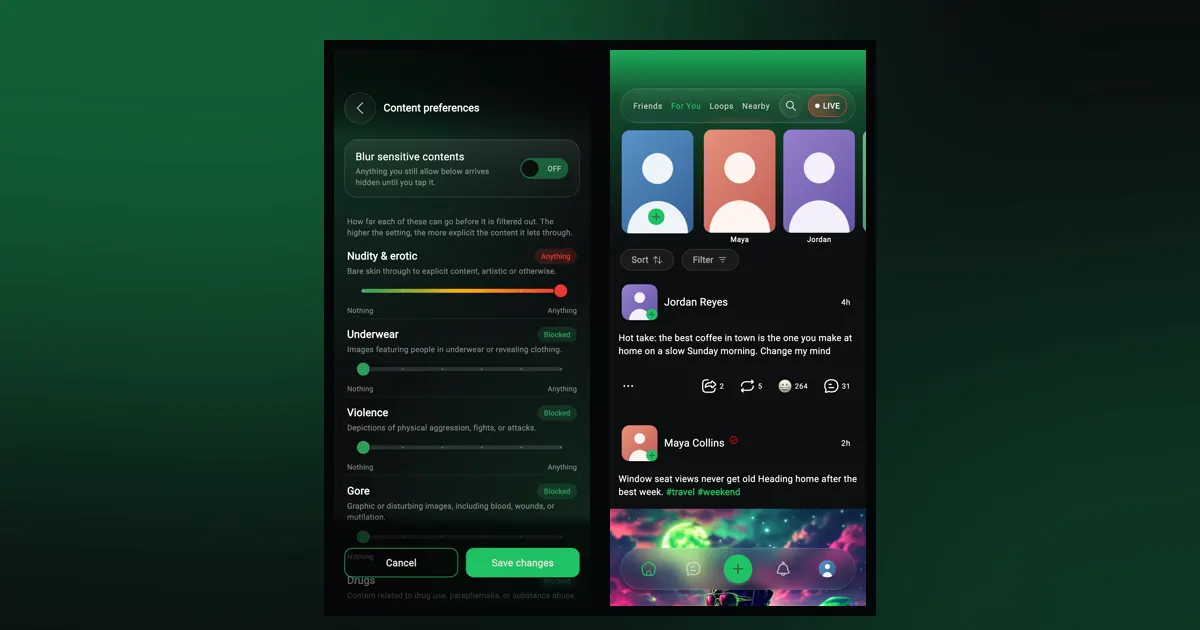
To keep certain kinds of content out of all your feeds, use "Content preferences" on the same screen. Our content preferences guide explains the nine categories and how to set them.
The stories row sits at the top of For You. Tap a circle to watch someone's story. The first circle is yours: tap it to add a story. For more on stories and search, see our discovery guide.
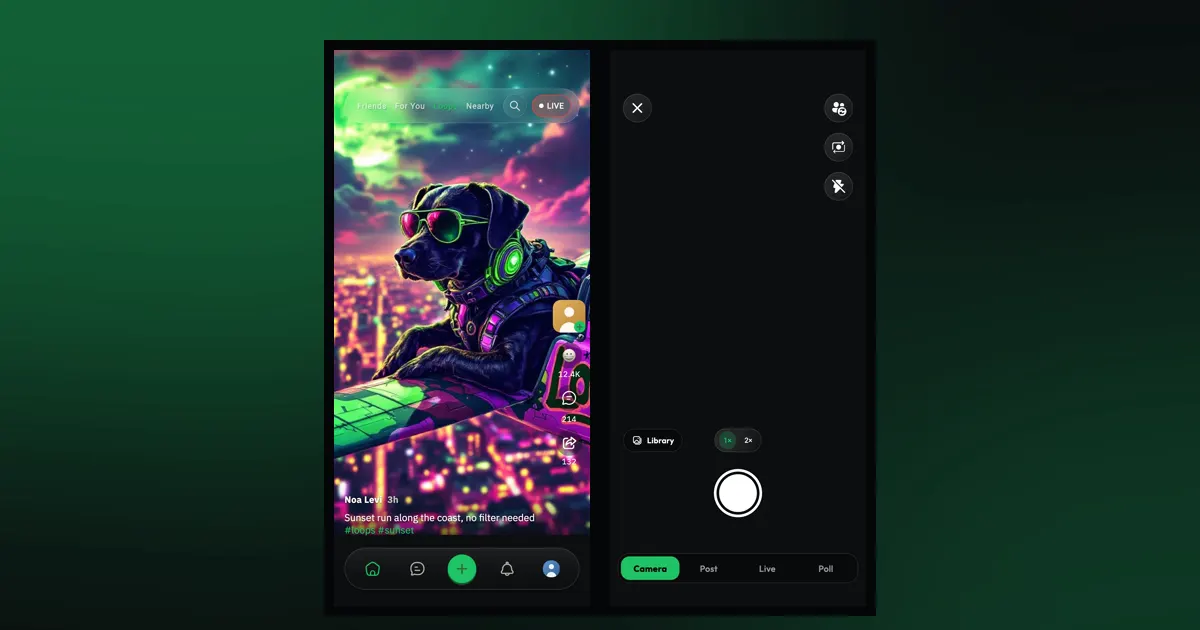
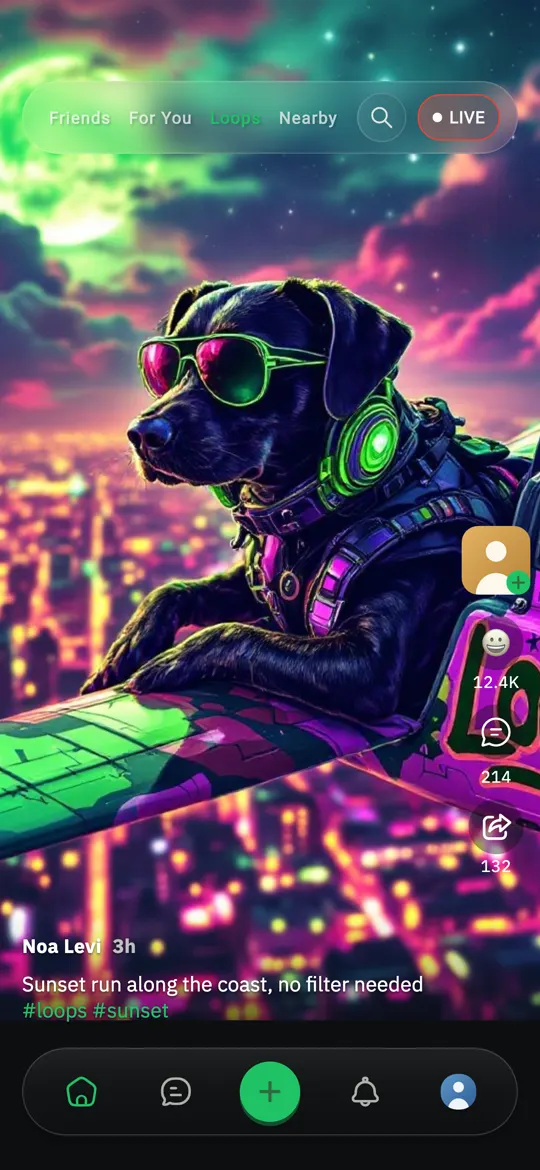
Loops fills the screen with one vertical video at a time. Swipe up for the next one.
Loops you've watched are saved on your phone, so you can replay them without a connection. The Loops guide covers everything else, from speed to comments.
Nearby shows posts from people close to where you are. It uses your phone's location, so it needs location access. If you keep location off, the other three feeds still work as usual.
When you share a story, "Nearby" is also one of the places you can send it, so people around you can see it. If the tab is empty, you'll see "No nearby posts yet!", which is a good moment to post the first one.
At the top of a feed are two buttons, Sort and Filter.
Each tab remembers its own sort and filter. You could keep Friends on Newest while filtering For You down to a few content types, and neither affects the other.
Tap the "LIVE" button at the top of the feed to open the "Lives" list and see who's streaming right now. Tap a live to join, comment and send gifts. If you'd like to go live yourself, our guide to live gifting and creator earnings walks through it.
Partly. Without an account you can scroll For You and watch Loops; Friends and Nearby ask you to sign up, since they depend on who you follow and where you are. See what you can do without an account.
Most social apps mix friends, strangers, video and local posts into one stream and decide the order for you. WeLoop keeps them apart, so you choose which one you're in. Friends never fills up with strangers, and For You is there when you want something new. You can read more about that approach in what makes WeLoop different.
Friends shows posts from people you follow who follow you back. For You shows posts from across WeLoop and skips ones you've already seen.
Yes. Tap Sort at the top of a feed and pick Newest or Oldest. Each tab remembers its own choice.
Yes. Nearby uses your phone's location to show posts from around you. The other feeds work without it.
How-to
Record up to 2 minutes or pick from your library, edit with filters, FX and the Expert editor, then post. Plus how to swipe, speed up and rewatch Loops.
How-to
Post a WeLoop story to the public, your friends, your groups or Nearby, see who viewed it, and search posts, people and groups. Here's how.
Safety
Set nine content categories from Blocked to Anything, blur sensitive posts until you tap, and tune For You. Here's how WeLoop content preferences work.
Free on iPhone and Android. Set it up your way in a minute.