Guide
How to change WeLoop's look with Looks and themes
Pick one of 14 Looks, choose a palette and one of 30 fonts, or fine-tune colors and feed post styles in Advanced. Here's how WeLoop themes work.
 weloop
Get the app
Comparison
Instagram is a huge photo and video app built around a home feed, Reels, Stories and DMs, with mature tools for creators and brands. WeLoop covers many of the same basics, but splits your feed into four tabs, lets you set sensitive content category by category, and keeps chat, groups and lives with gifts in the same app.
If you want the largest audience and a full creator toolkit, Instagram is ahead. If you want more say over your feed and a more personal-looking app, WeLoop is worth a look.
Instagram details below come from Instagram's own Help Center and creator site, as of October 2026.
| Feature | WeLoop | |
|---|---|---|
| Feeds | Four tabs: Friends, For You, Loops, Nearby | Home feed, Reels and Explore |
| Posts | Photo or video, up to 4 per post; styled text posts; polls | Photo and video posts, including carousels |
| Short video | Loops, up to 2 minutes when recorded | Reels |
| Stories | Share to "My Story", "To Public", "My groups" or "Nearby" | Stories, with a Close Friends list |
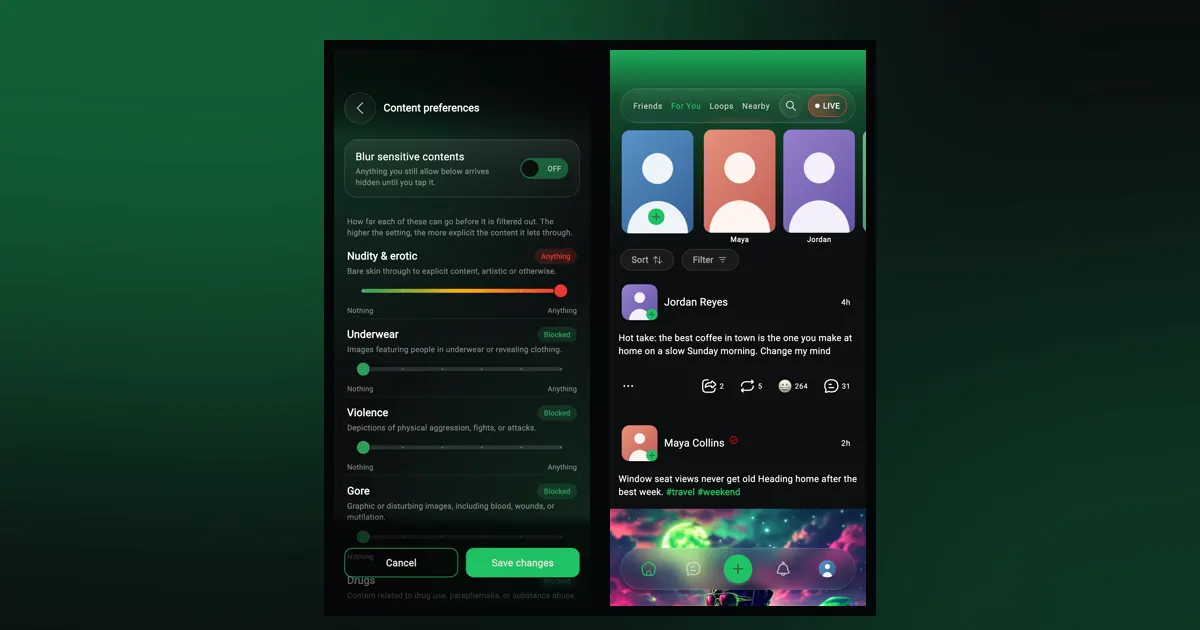
| Sensitive content | 9 categories, each from Blocked to Anything, plus a blur option | Sensitive Content Control: Less, Standard or More |
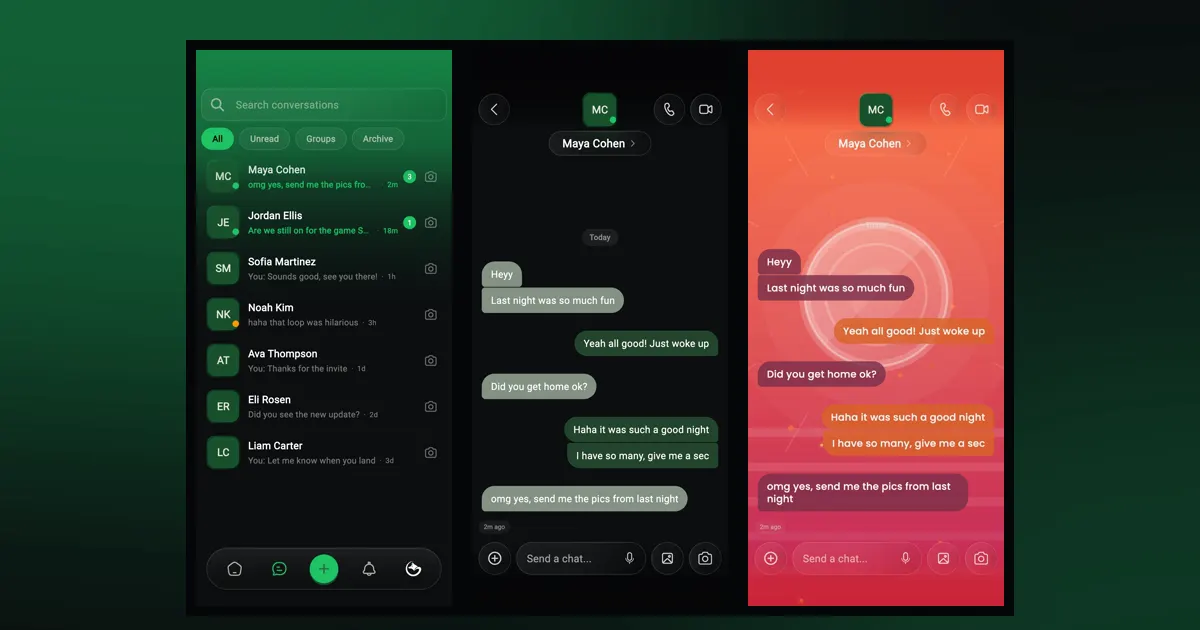
| Chat themes | 11 themes, gradients, artwork, animations, bubble shapes and fonts | Chat themes that change the wallpaper and message colors |
| Live support from fans | Gifts bought with coins; creators keep up to 95% | Badges in Live, Gifts on Reels, subscriptions |
| Group chats | Yes, plus Groups with their own posts and chat | Yes |
On Instagram, you scroll a home feed, then switch to Reels or Explore for things beyond the people you follow.
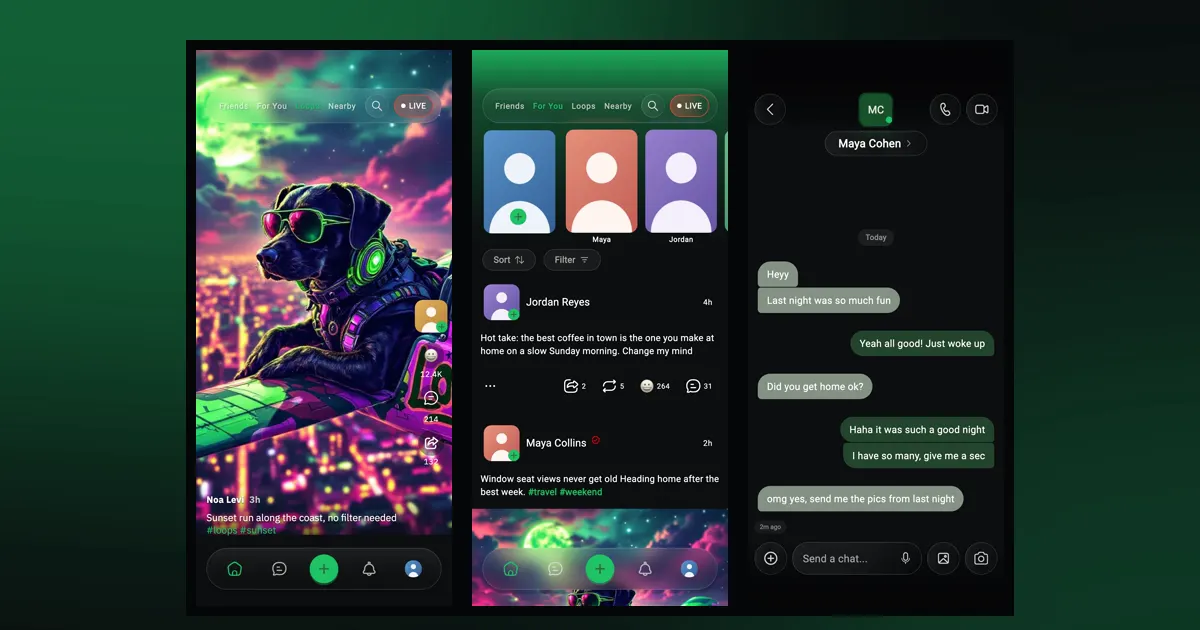
WeLoop gives you four tabs, side by side:
Each tab remembers its own sort ("Newest" or "Oldest") and its own content-type filter. That makes Friends work like a simple, time-ordered feed of people you know. The feeds guide explains each tab.
Instagram's Sensitive Content Control has three settings: Less, Standard and More. It applies to recommendations from accounts you don't follow.
WeLoop goes category by category. Every post carries a rating for nine categories:
You set each one to one of six levels, from Blocked to Anything. You might allow some rude humor but block gore entirely. All nine categories start at Blocked.
Turn on "Blur sensitive contents" and anything you still allow arrives hidden until you tap it. Find all of this in "Content preferences" under "Settings and Privacy". Here's the full guide to content preferences.
Both apps let you theme a chat. Instagram's chat themes change the wallpaper and message colors of a conversation.
WeLoop goes further in two places.
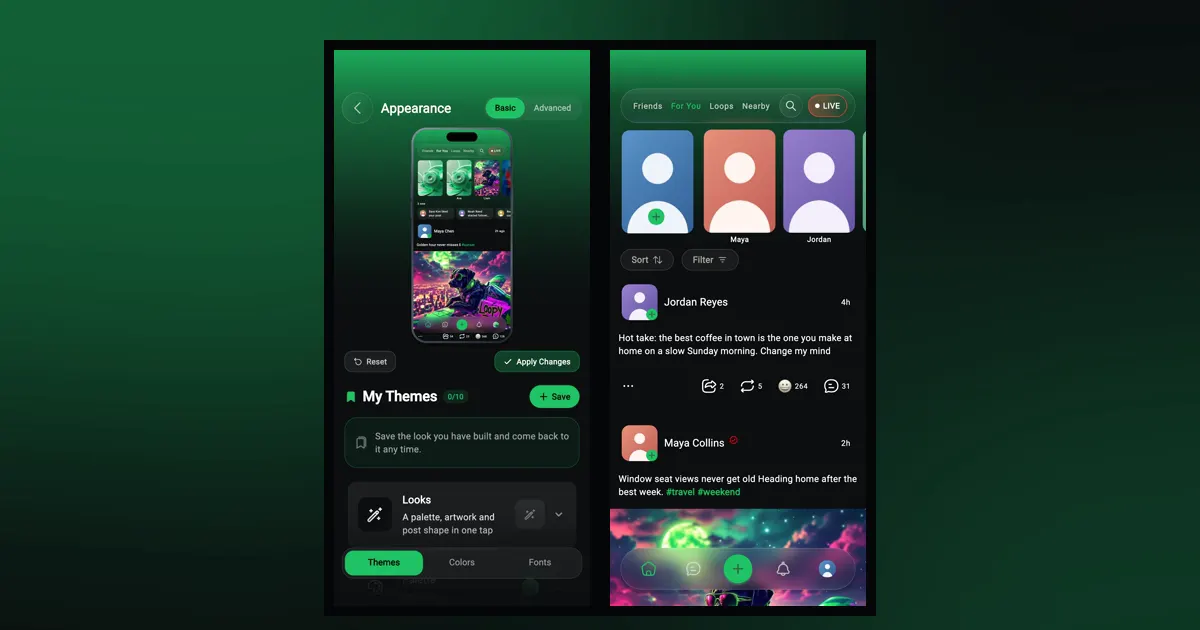
The whole app. Open "Theme settings" from your profile and pick one of 14 Looks, like Frost, Midnight or Summit. Each sets its own palette, background, typeface and post style. In "Advanced", you can set colors, choose from 30 fonts, and style posts as Plain, Filled, Outlined or Sticker. You can save up to 10 of your own themes. Looks are personal: they change WeLoop on your phone, and other people don't see them.
Each chat. "Chat appearance" has 11 ready-made themes, such as Sunset, Ocean and Neon. You also get:
The background and pattern are shared, so both of you see the same chat. Fonts and bubble colors stay on your phone. The themes guide has the details.
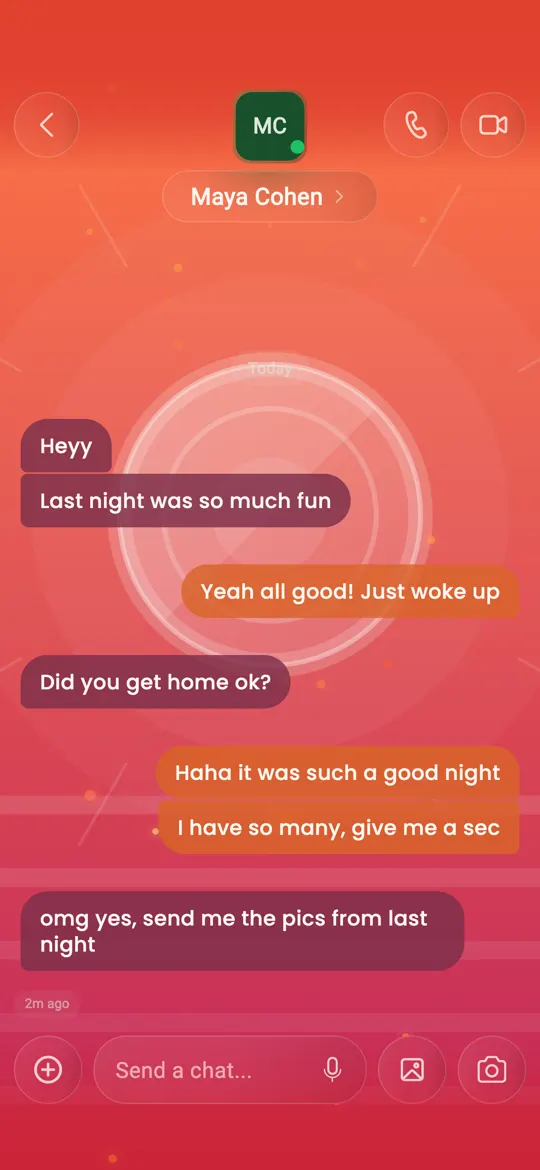
Stories on WeLoop work much like you'd expect. You see a "Story Viewers" list, and replies arrive in your chat. You choose where each story goes: your own "My Story", public, your groups, or Nearby.
Chat covers the everyday things:
When two people follow each other, WeLoop opens a chat for them with a prompt to send a wave. Voice and video calls are there too, one-on-one or in groups, and they're still in beta.
Groups go beyond group chats. A WeLoop group can be public or private, with its own posts, its own rules, a group chat, and approval for new members. The chat and groups guide shows how to set one up.
On Instagram, fans can support creators with badges during a live, gifts on Reels, and subscriptions.
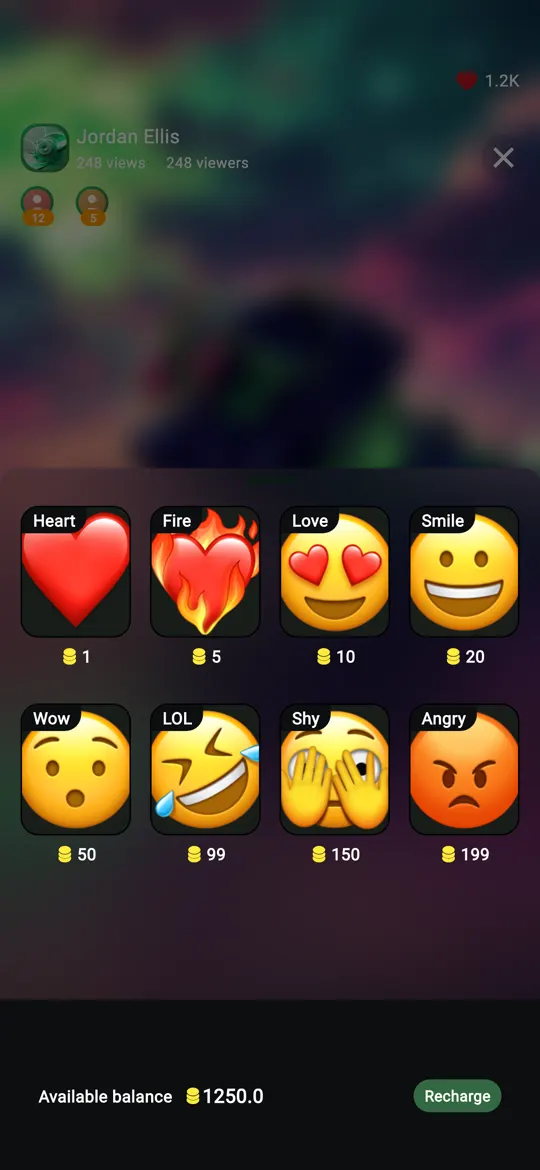
On WeLoop, support happens in lives. Viewers buy coins and send gifts, and creators keep up to 95% of what they're gifted. Hosts get these tools:
You can withdraw your rewards in USD. See going live and earning.
Instagram has clear advantages:
Use Instagram when reach and a full creator toolkit matter most.
Try WeLoop if you'd rather have separate feeds you control, sensitive content set category by category, an app that looks the way you like, and lives where creators keep up to 95% of their gifts. For the bigger picture, read why WeLoop is different.
Yes. You can post a story to "My Story", "To Public", "My groups" or "Nearby", see who viewed it, and get replies in chat.
Yes. "Theme settings" has 14 Looks plus palettes, colors and fonts. A Look changes the app on your phone only; other people don't see it.
No. WeLoop has no private account switch. You can block accounts, and groups can be private.
Guide
Pick one of 14 Looks, choose a palette and one of 30 fonts, or fine-tune colors and feed post styles in Advanced. Here's how WeLoop themes work.
Guide
How WeLoop chat works: pinning and archiving, replies, reactions and voice notes, chat themes both people see, and public or private groups.
Safety
Set nine content categories from Blocked to Anything, blur sensitive posts until you tap, and tune For You. Here's how WeLoop content preferences work.
Free on iPhone and Android. Set it up your way in a minute.