Guide
WeLoop chat and groups: messages, chat themes and communities
How WeLoop chat works: pinning and archiving, replies, reactions and voice notes, chat themes both people see, and public or private groups.
 weloop
Get the app
Comparison
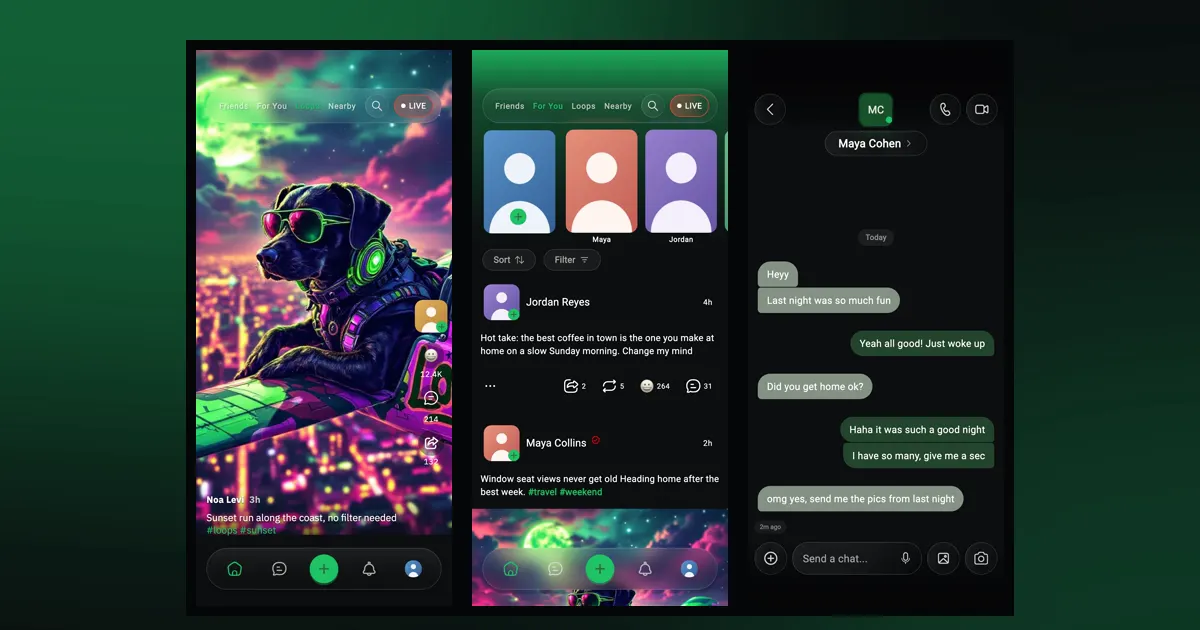
Snapchat is a camera-first app: it opens to the camera, and most of what you do is send Snaps and chat with friends. WeLoop opens to your feeds, and puts the camera, chat, groups and lives around them, with more ways to style your chats and the app itself.
If your friends live on Snapchat and you love Lenses and streaks, Snapchat does that better. If you want a social feed, chat and community in one place, WeLoop is built for that.
Snapchat details below come from the Snapchat Support site, as of October 2026.
| Feature | WeLoop | Snapchat |
|---|---|---|
| Opens to | Your feeds (Home) | The camera |
| AR effects | Face Masks, on one face or every face | Lenses |
| Stories | "My Story", "To Public", "My groups" or "Nearby" | Yes |
| Public short video | Loops | Spotlight |
| Local content | Nearby feed of posts around you | Snap Map |
| Group chats | Yes, plus Groups with their own posts and chat | Yes |
| Voice and video calls | One-on-one or group, in beta | One-on-one or group |
| Chat look | Shared background and pattern; fonts and bubble colors just for you | Chat wallpaper; chat color with Snapchat+ |
| Streaks | No | Yes |
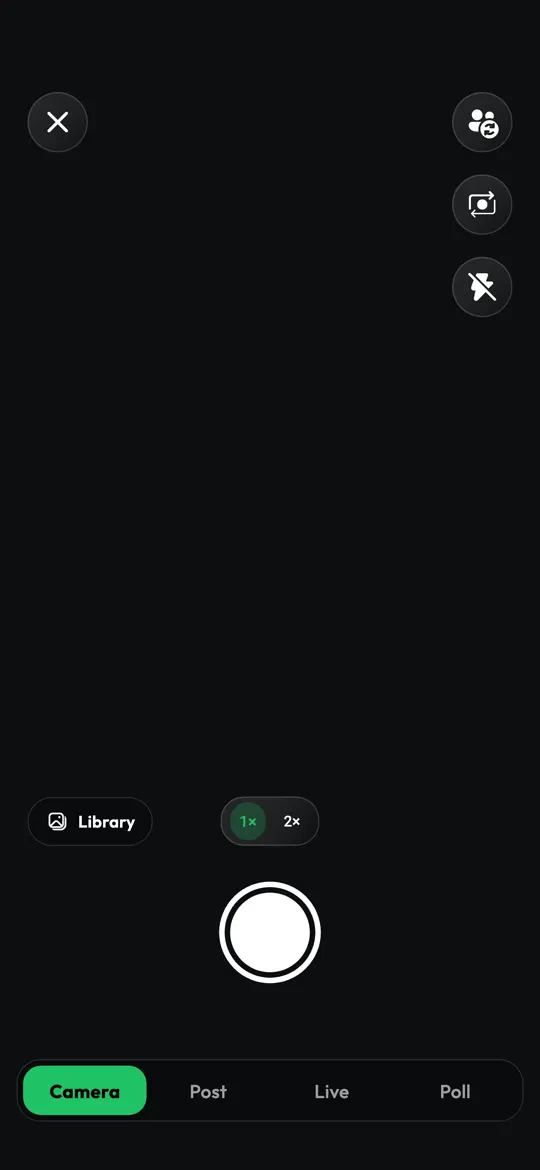
Snapchat drops you straight into the camera. On WeLoop, you tap the + button in the middle of the bottom bar. The camera then gives you four modes: "Camera", "Post", "Live" and "Poll".
The camera has the basics:
You can record up to 2 minutes, or pick from your "Library".
After you shoot, the editor has eight filters, crop ratios, and FX like Glitch, Color Pop and Scanlines. The "Expert" editor adds Split, Speed and music from a file.
Snapchat's Lenses are its signature feature, with a huge catalog.
WeLoop's version is called Face Masks. You pick from a catalog in the app, and you can put a mask on one face or on every face in the shot. Masks work in three places:
In lives, a gift can carry a face mask that the host then wears for a moment.
The honest difference is scale. Snapchat has far more Lenses. WeLoop's masks are built into more of the app, including lives and calls.
Both apps are good for talking to friends.
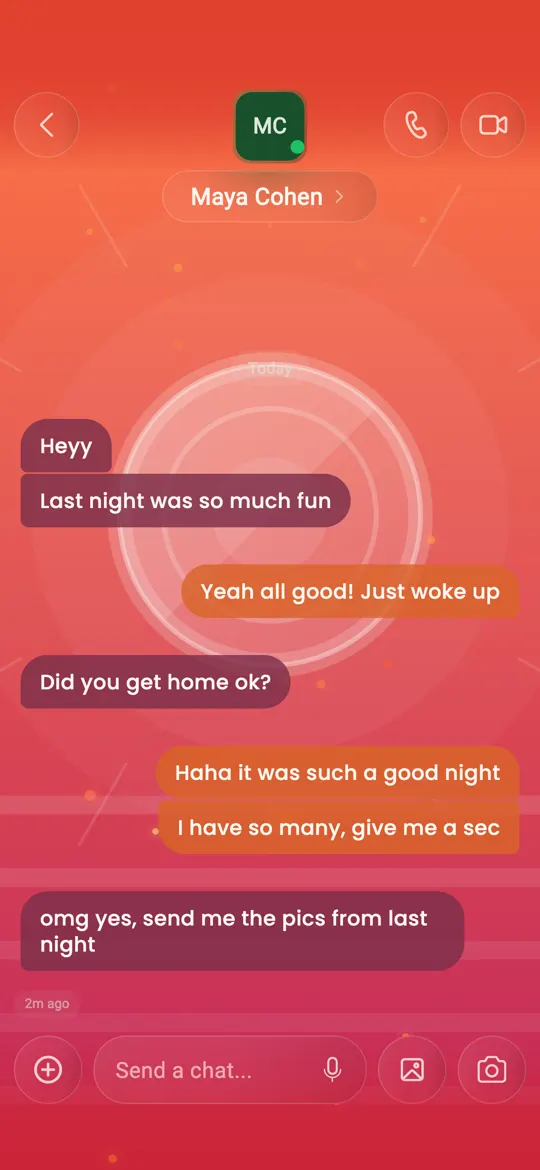
WeLoop's chat covers the everyday things:
When two people follow each other, WeLoop opens a chat for them with a prompt to send a wave.
Snapchat lets you set a chat wallpaper that everyone in the chat sees. Changing your chat color comes with Snapchat+.
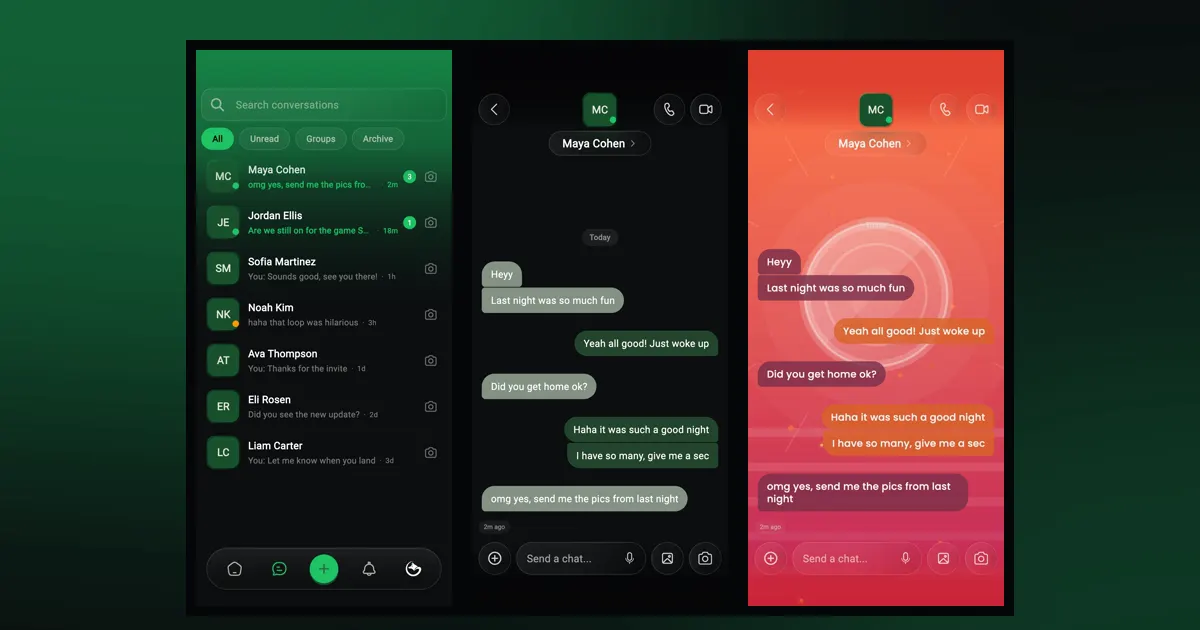
On WeLoop, "Chat appearance" is free and goes deep:
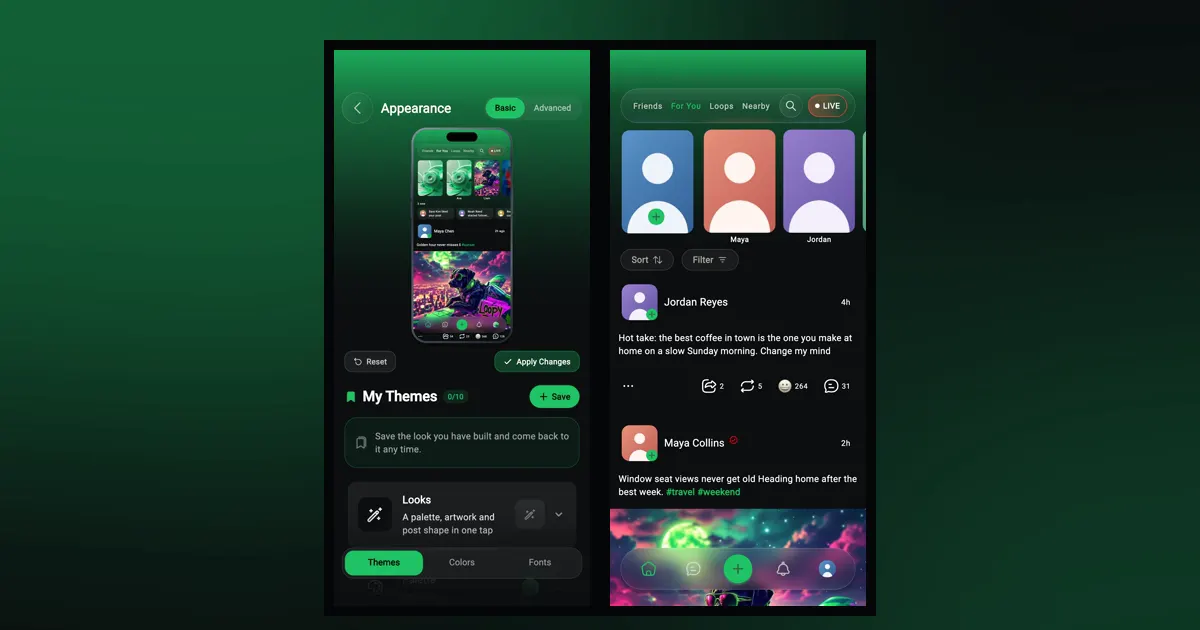
You can save up to 10 looks you've made. The background and pattern are shared, so you both see the same chat. Fonts and bubble colors stay on your phone. The themes guide covers the whole app's Looks too.
Both apps have voice and video calls, one-on-one or in groups. WeLoop's calls are still in beta. They have a floating mini-window, audio routing for Bluetooth, car and headphones, and Face Masks.
Snapchat's group chats are for talking. WeLoop has group chats too, plus Groups, which work more like small communities:
You can share stories to "My groups", too. See the chat and groups guide to start one.
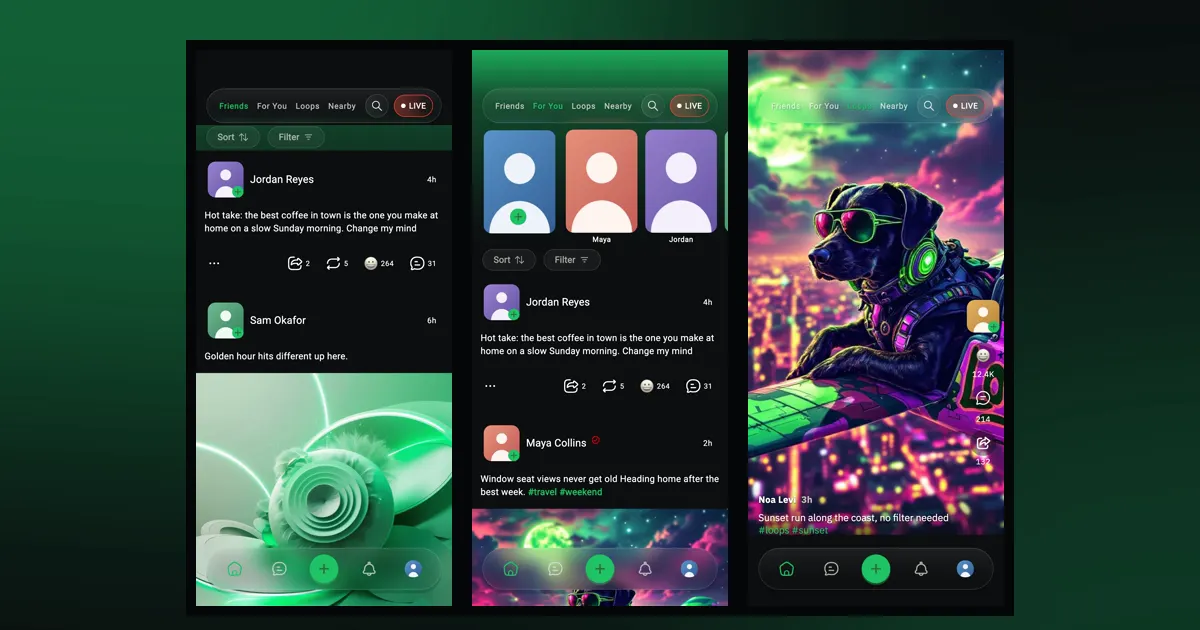
WeLoop also has four feeds side by side: Friends, For You, Loops and Nearby. Nearby shows posts from people around you, based on your location. On Snapchat, Snap Map is the place for that, as a map. The feeds guide explains each tab.
On top of that, you choose what reaches your feeds. Every post carries a rating for nine categories, like Violence, Drugs and Hate. You set each one from Blocked to Anything, and you can blur anything sensitive you still allow. Read how content preferences work.
You can go live from the same camera on WeLoop. Viewers comment, request to join as guests, and send gifts bought with coins. Creators keep up to 95% of what they're gifted. Read going live and earning for host tools and payouts.
Snapchat has real strengths:
Stick with Snapchat if quick Snaps with close friends, Lenses and streaks are what you use most.
Try WeLoop if you want feeds, chat, groups and lives in one app, chats you can style down to the font, and control over what shows up in your feed. Read why WeLoop is different for the full picture.
WeLoop has Face Masks, AR effects you can use in the camera, in lives and on calls. The catalog is much smaller than Snapchat's Lenses.
No. WeLoop doesn't count streaks between friends.
Yes. Voice and video calls work one-on-one or in groups, and they're still in beta.
Guide
How WeLoop chat works: pinning and archiving, replies, reactions and voice notes, chat themes both people see, and public or private groups.
Guide
WeLoop has four feeds: Friends, For You, Loops and Nearby. Here's what each one shows, how to sort and filter them, and where stories and lives fit in.
Guide
Pick one of 14 Looks, choose a palette and one of 30 fonts, or fine-tune colors and feed post styles in Advanced. Here's how WeLoop themes work.
Free on iPhone and Android. Set it up your way in a minute.