How-to
How to make, post and watch Loops on WeLoop
Record up to 2 minutes or pick from your library, edit with filters, FX and the Expert editor, then post. Plus how to swipe, speed up and rewatch Loops.
 weloop
Get the app
Comparison
TikTok is a short-video app with one of the biggest audiences in the world, centered on its For You feed. WeLoop is a smaller social app where short video (Loops) sits next to a friends feed, a local feed, chat, groups and lives, and you set what shows up in your feed by category.
If you mainly want to watch and post short videos to as many people as possible, TikTok is the stronger choice today. If you want short video as one part of a social app you shape yourself, keep reading.
Here's how the two compare on features both apps have. TikTok details come from TikTok's own Support Center and Newsroom, as of October 2026.
| Feature | WeLoop | TikTok |
|---|---|---|
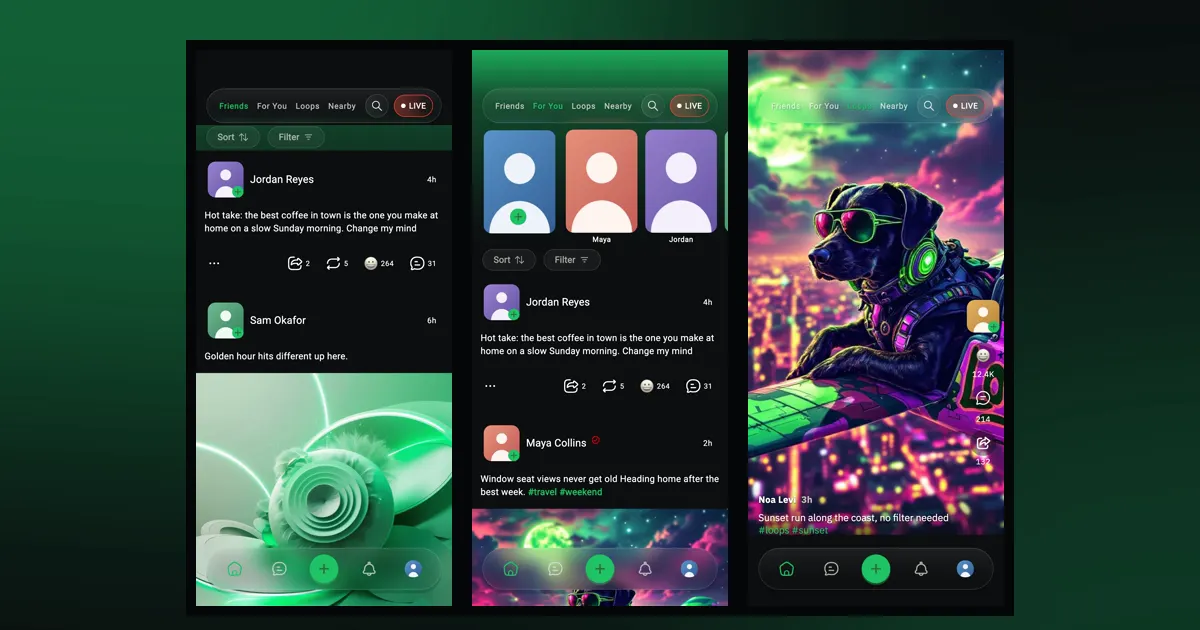
| Main feeds | Four tabs: Friends, For You, Loops, Nearby | For You and Following |
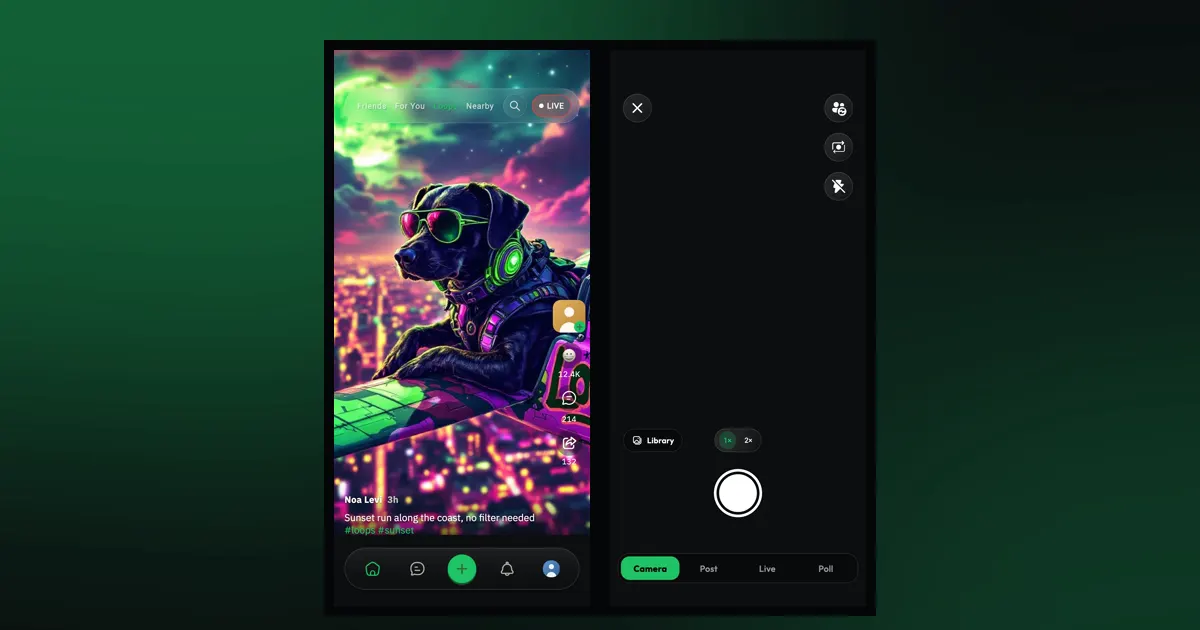
| Short vertical video | Loops: full-screen, record up to 2 minutes | Core of the app |
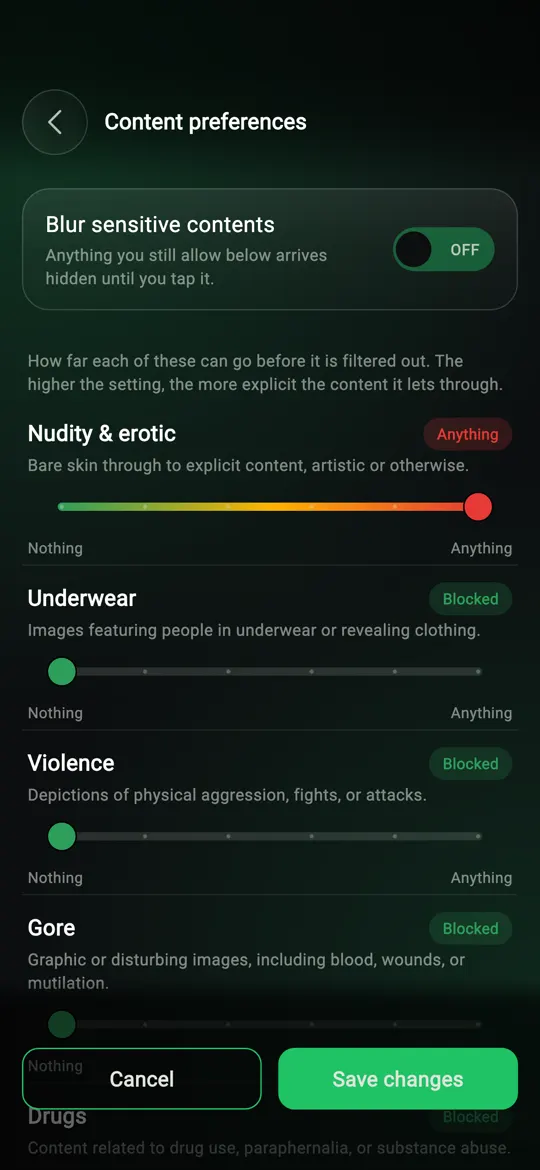
| Tuning recommendations | 9 content categories, each set from Blocked to Anything, plus "Blur sensitive contents" | "Manage topics" sliders and keyword filters |
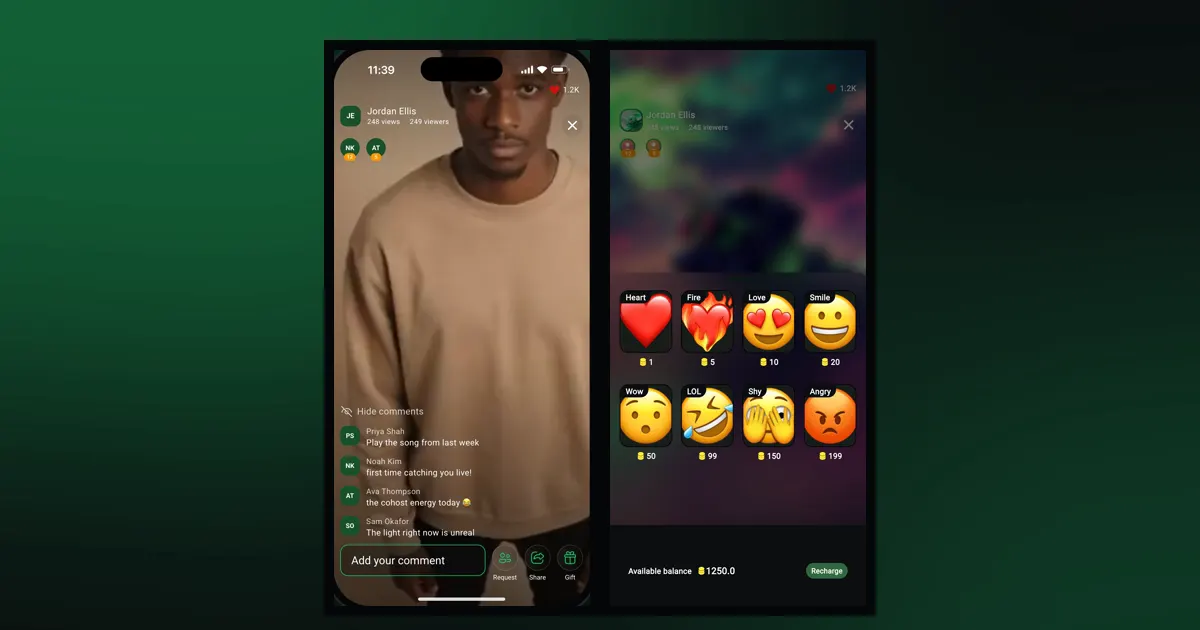
| Live streaming | Yes, with guests who "Request" to join | Yes, including multi-guest LIVE |
| Live gifts | Bought with coins; creators keep up to 95% | Bought with Coins |
| Stories | Yes, to "My Story", "To Public", "My groups" or "Nearby" | Yes |
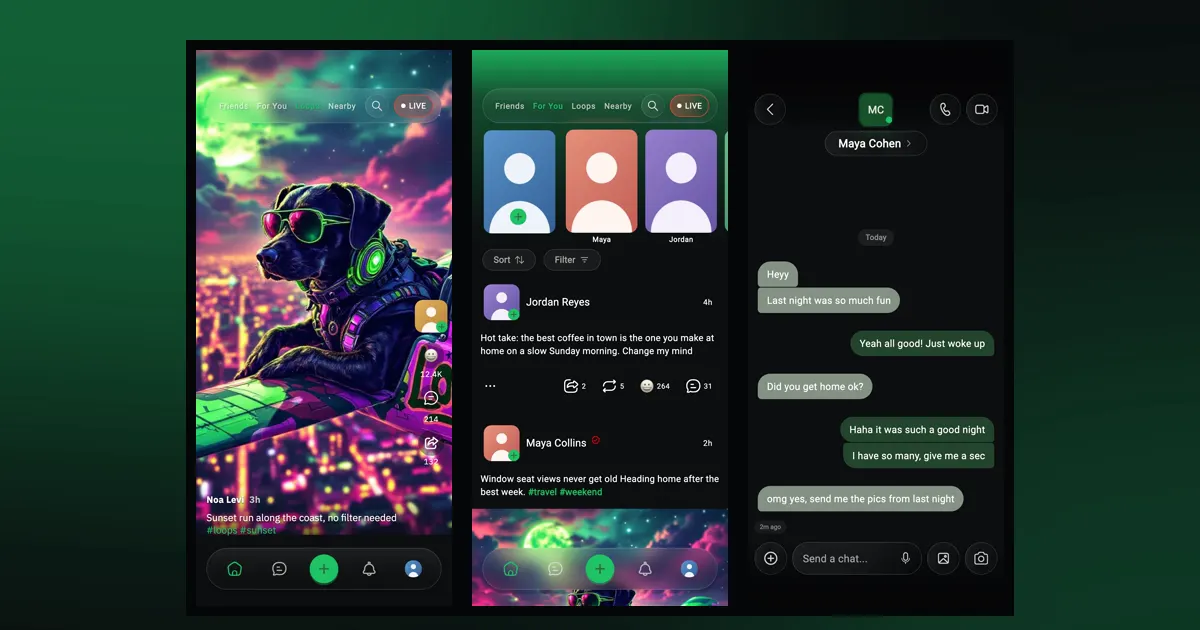
| Group chats | Yes, plus Groups with their own posts and chat | Yes, with mutual follows |
On TikTok, most of what you watch comes from the For You feed, with a Following feed for accounts you follow.
WeLoop splits things into four tabs you can swipe between:
Each tab keeps its own sort ("Newest" or "Oldest") and its own filter by content type. So you can keep Friends in time order while For You stays open to anything. The feeds guide walks through each one.
Both apps give you ways to shape your feed, but they work differently.
TikTok's "Manage topics" lets you nudge how often topics come up, and keyword filters hide videos with words or hashtags you pick.
WeLoop's "Content preferences" are about sensitive content. Each post carries a rating for nine categories: Nudity & erotic, Underwear, Violence, Gore, Drugs, Alcohol, Rude, Gambling and Hate. For each one, you choose one of six levels, from Blocked to Anything, and you only see posts at or under your levels. All nine categories start at Blocked.
You can also turn on "Blur sensitive contents". Anything you still allow then arrives hidden until you tap "View anyway". See how content preferences work for the full walkthrough.
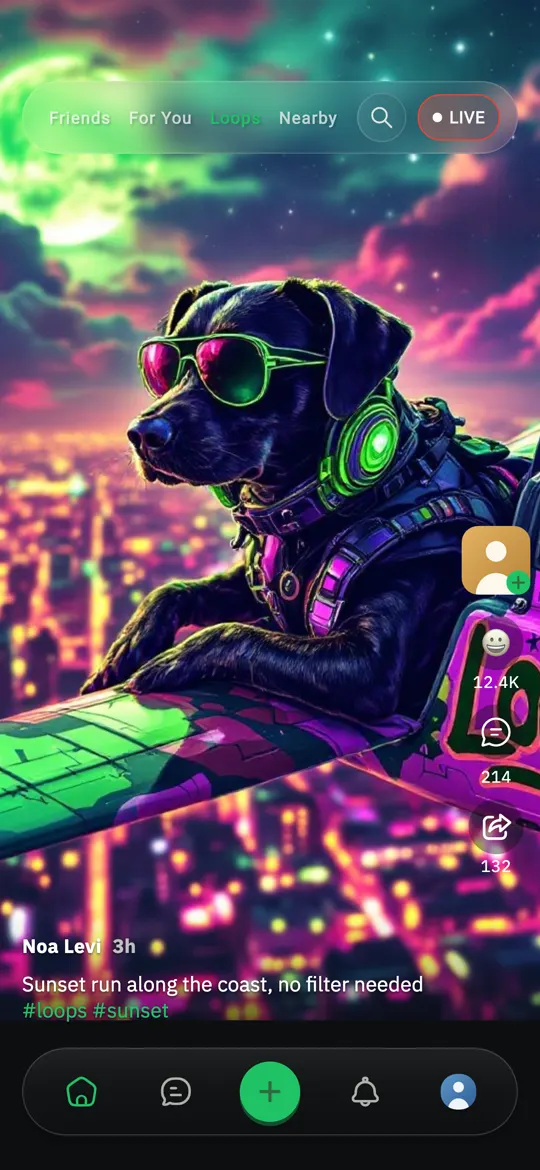
Loops will feel familiar. You swipe up through full-screen videos, tap to pause, and mute with one tap. A few details:
To make one, tap the + button. You can record up to 2 minutes, or pick a video under 2 minutes from your "Library".
The editor has filters, FX like Glitch and Color Pop, trimming, text, and an "Expert" editor with Split, Speed and music from a file. Face Masks work in the camera too. The Loops guide covers each step.
Both apps let viewers send gifts during a live, paid for with coins they buy in the app.
On WeLoop, creators keep up to 95% of what they're gifted. Gifts land in your rewards, which you can move to your wallet or withdraw in USD.
The host tools on WeLoop include:
After you end, "Live stats" shows views, likes, comments, gifts, gifters, goal progress and "Live Earnings". Read going live and earning on WeLoop for the details.
Yes, and that's the biggest difference. In WeLoop, Loops is one tab of a full social app:
On TikTok, you might watch someone, then follow them on another app to talk or join their community. On WeLoop, the video, the chat and the group are in the same place.
To be fair, TikTok has real advantages:
Choose TikTok if your goal is the widest possible reach for short videos.
Choose WeLoop if you want short video alongside friends, local posts, chat and groups, with clear control over sensitive content, and gifts that leave creators up to 95%. You can also use both. For more on what makes WeLoop different, read why WeLoop is different.
Yes. WeLoop has a For You feed, plus Friends, Loops (full-screen vertical video) and Nearby, each in its own tab.
Yes. Viewers buy coins and send gifts during a live, and creators keep up to 95% of what they're gifted.
Yes. Nothing stops you from posting on both. Many people use TikTok for reach and a smaller app for a closer community.
How-to
Record up to 2 minutes or pick from your library, edit with filters, FX and the Expert editor, then post. Plus how to swipe, speed up and rewatch Loops.
How-to
Start a live from the + button, bring on guests, set a likes goal and receive gifts. Creators keep up to 95% of what they're gifted.
Guide
WeLoop has four feeds: Friends, For You, Loops and Nearby. Here's what each one shows, how to sort and filter them, and where stories and lives fit in.
Free on iPhone and Android. Set it up your way in a minute.